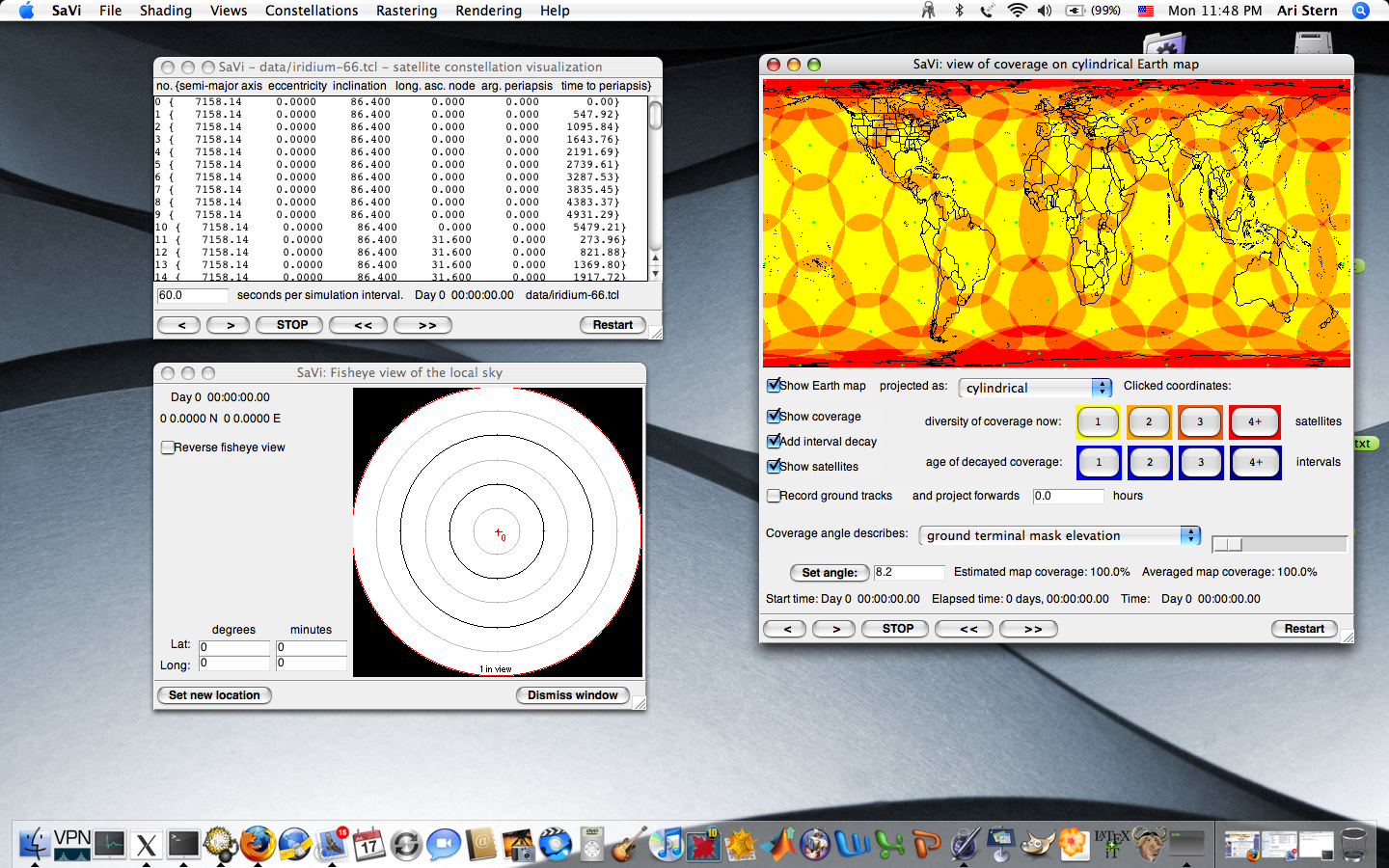
and Geomview under Mac OS X
and Geomview under Mac OS X
and Geomview under Mac OS X
Because this is the X11 version of Tcl/Tk, it needs to talk to an X display, such as XQuartz. You will need to set XQuartz to open at login, and allow it to run in the background so that it can accept an X display connection from SaVi. These are turned on in System Settings: Login Items & Extensions.
Geomview cn be installed under homebrew, but crashes on launch.
make you will be prompted to install Xcode. You can also install Xcode by typing the terminal command xcode-select --installXlib not found error, install
XQuartz to get X11 headers under /opt/X11, and then type:CPPFLAGS=-I/opt/X11/include
make ARCH=macosx
-redrawn-menus flag is not required.
-redrawn-menus flag under 10.5 Leopard to avoid a Tk menu problem.
The following instructions tell you how to install SaVi.
gcc C compiler installed? Run Terminal from your Applications/Utilities folder and type which gcc to find out.
/usr/bin/gcc isn't returned, you will need to install Apple's developer tools to get the gcc compiler and Tcl/Tk.
Xcode > Preferences > Downloads > Components > Command Line Tools
gcc, you should be able to download SaVi 1.5.1, unpack it with tar xvfz savi1.5.1-release.tar.gz (if Safari has uncompressed the file tar xvf suffices) and then:cd savi1.5.1make ARCH=macosx
It is possible to download ActiveTcl and build with that; see
the hints in src/Makefile_defs_macosx
Mac-specific problems are discussed in detail in the BUGS textfile.